|
1
|
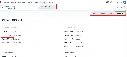
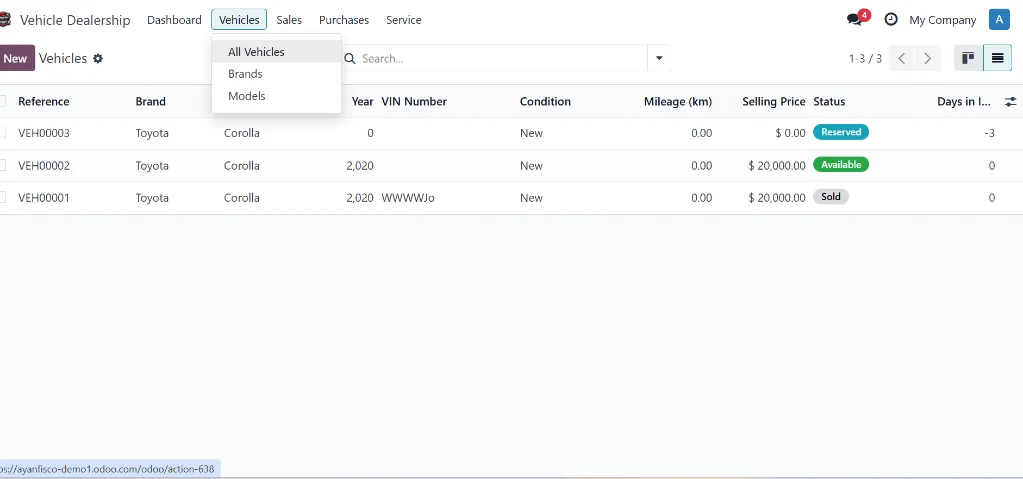
Setup & Configuration
Create
vehicle brands (Toyota, Honda, Ford), models (Camry 2024, Accord 2024),
and configure user permissions for Salespeople and Managers.
|
|
2
|
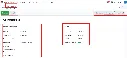
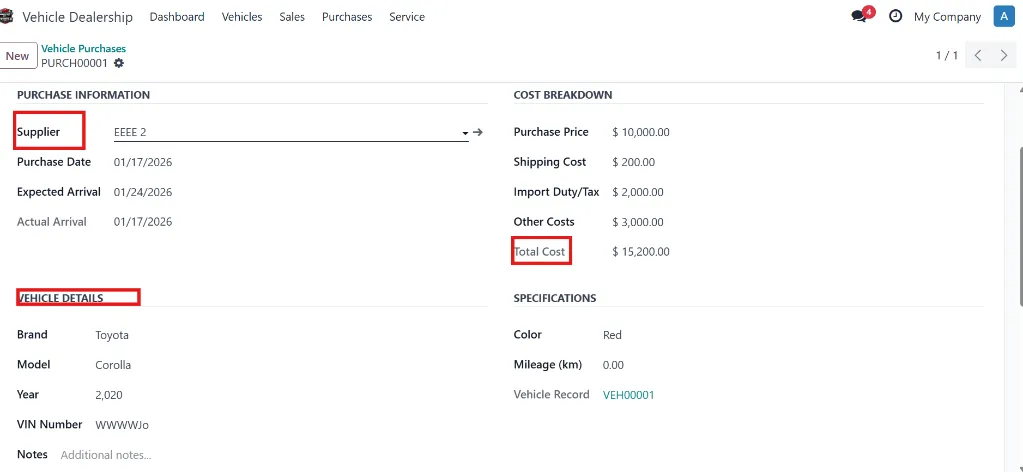
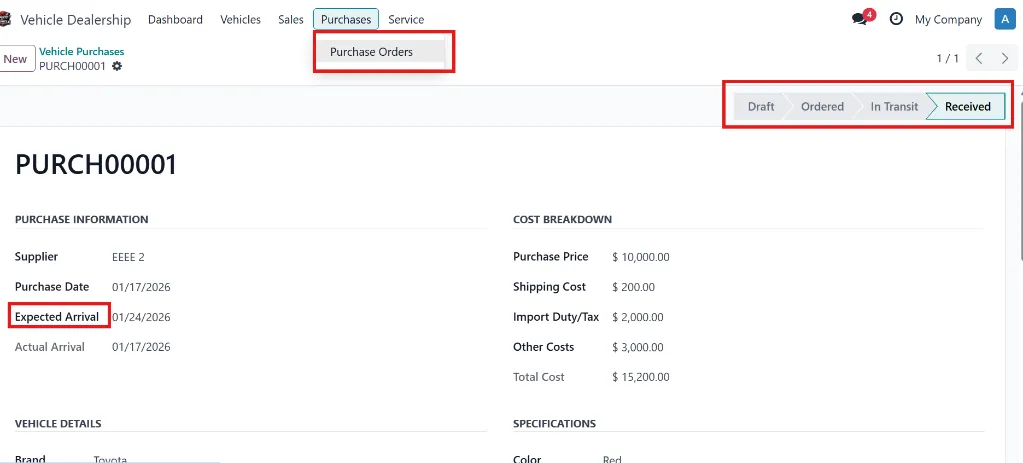
Vehicle Acquisition
Create
purchase orders with supplier details, vehicle information (VIN, brand,
model, year, color), and complete cost breakdown. Track status from
Draft → Ordered → In Transit → Received. System automatically creates
vehicle records in inventory upon receipt.
|
|
3
|
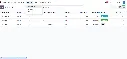
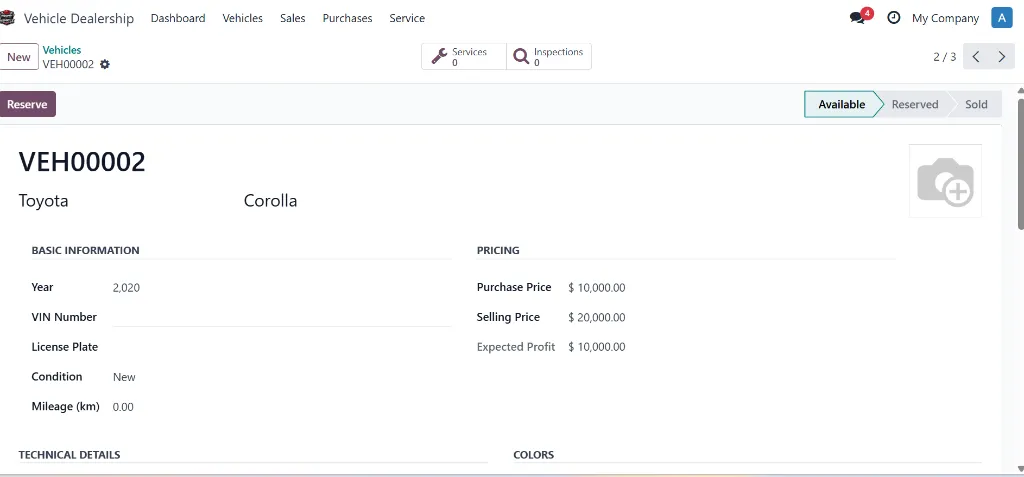
Inventory Management
Set
selling prices, upload vehicle photos, add features and specifications,
and manage vehicle notes. Optional pre-sale inspections can be
conducted before listing.
|
|
4
|
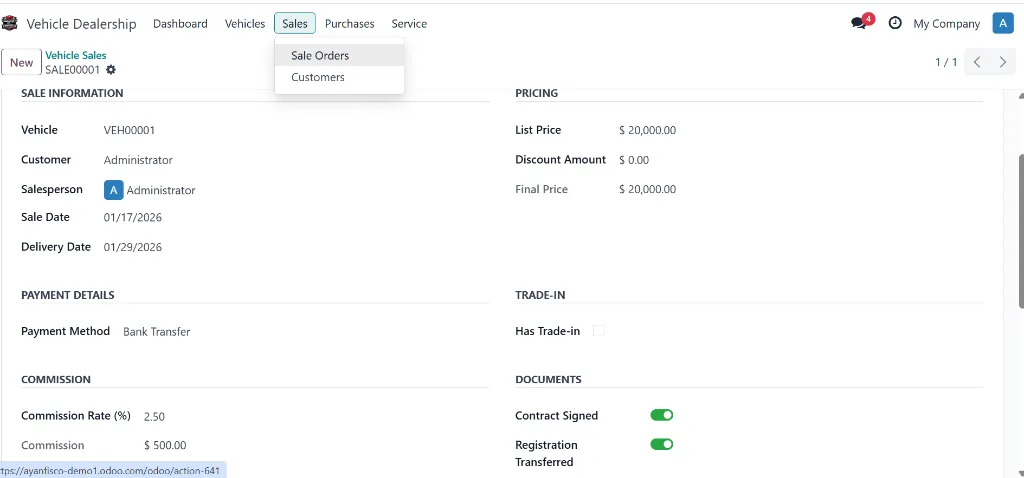
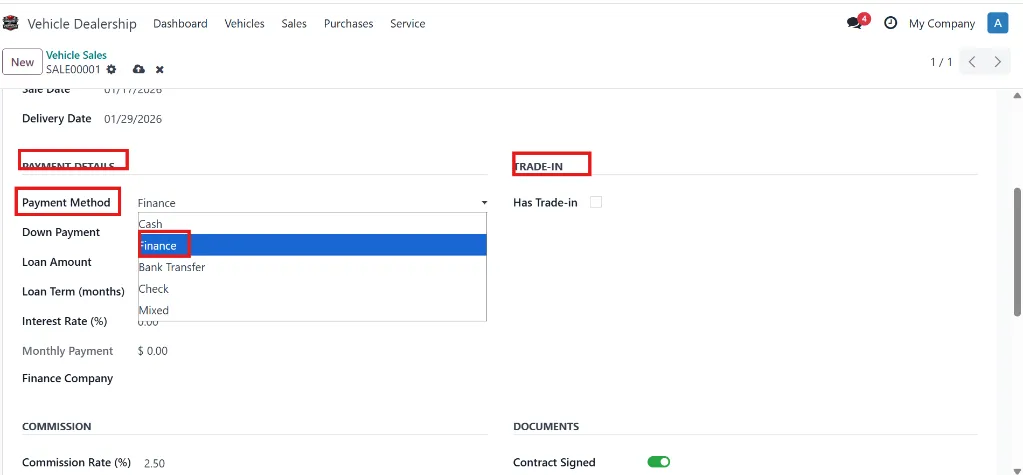
Sales Process
Create
sale orders with customer selection, vehicle selection (auto-reserves
vehicle), pricing with discounts, trade-in handling, and flexible
payment methods. Support for cash, financing (with loan calculator),
bank transfer, and check payments. Generate invoices, collect signed
documents, and mark as delivered.
|
|
5
|
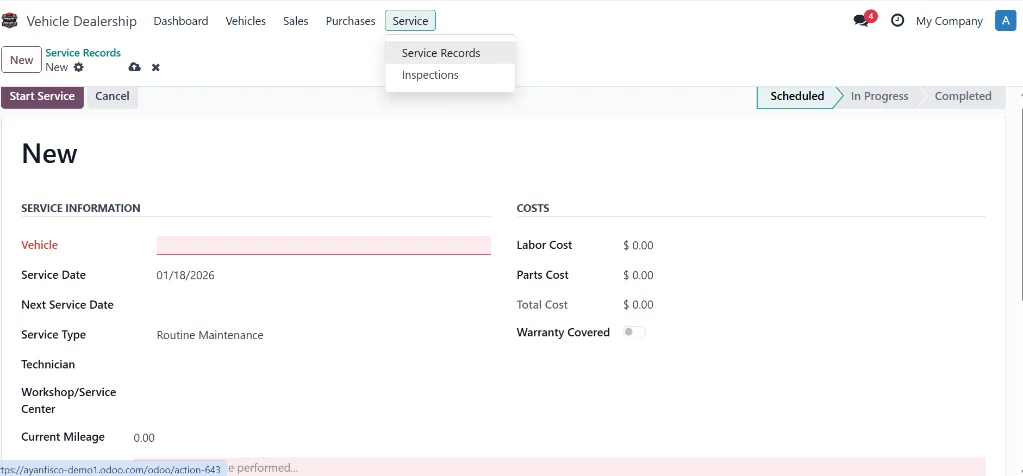
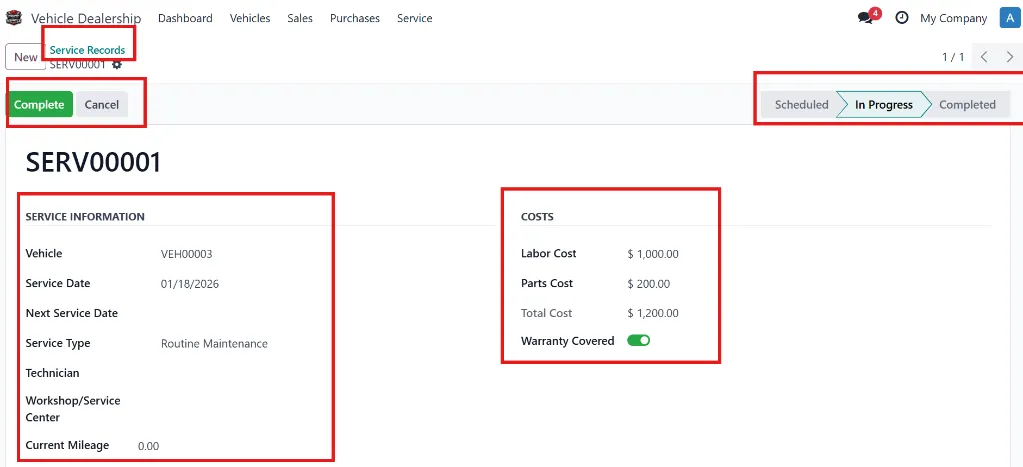
Service & Maintenance
Schedule
service appointments (vehicle status changes to "In Service"), assign
technicians and workshops, track parts replaced and labor costs, handle
warranty coverage, and set next service reminders. Complete service
history is maintained for each vehicle.
|
|
6
|
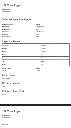
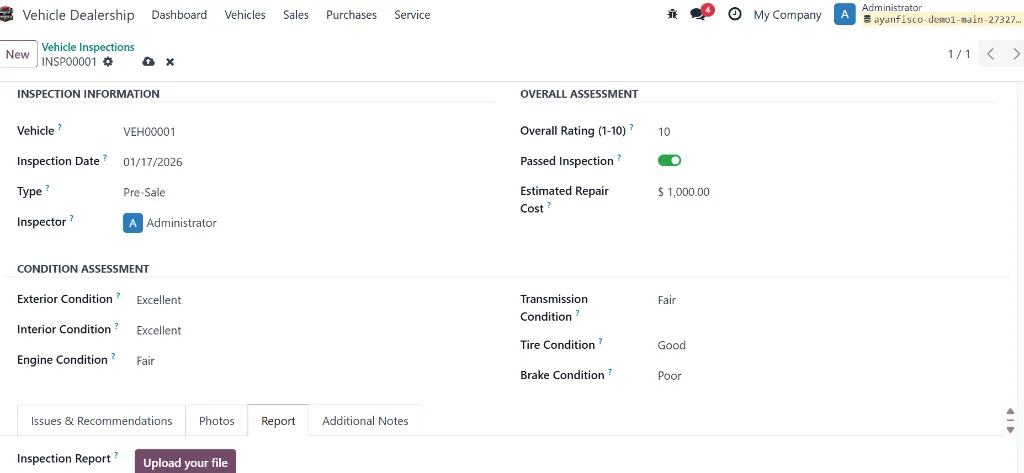
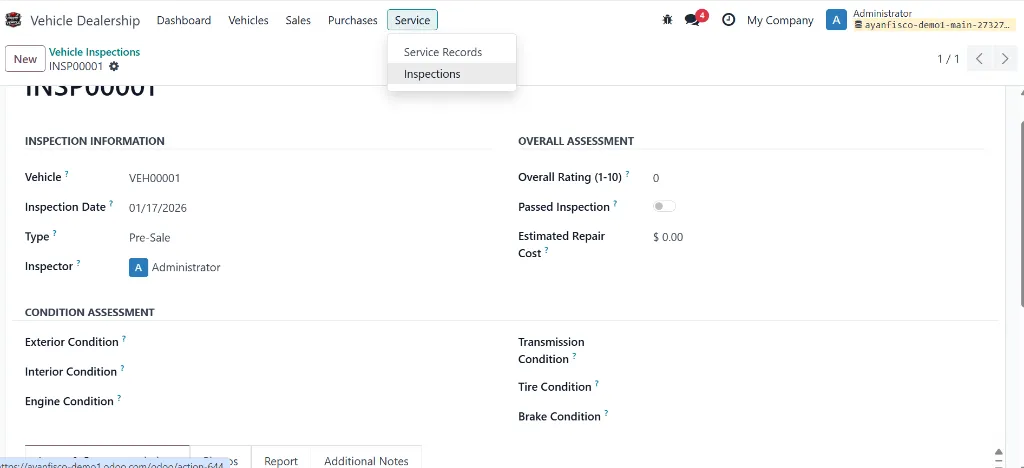
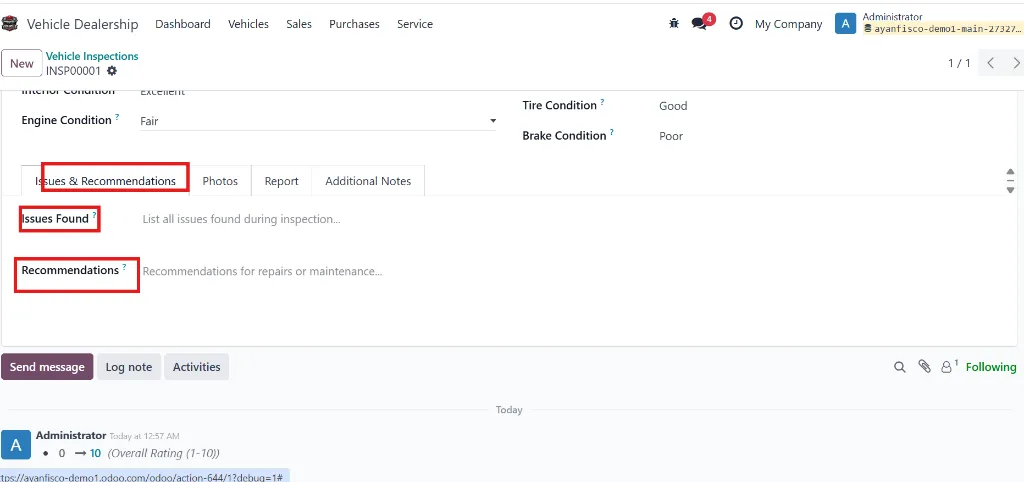
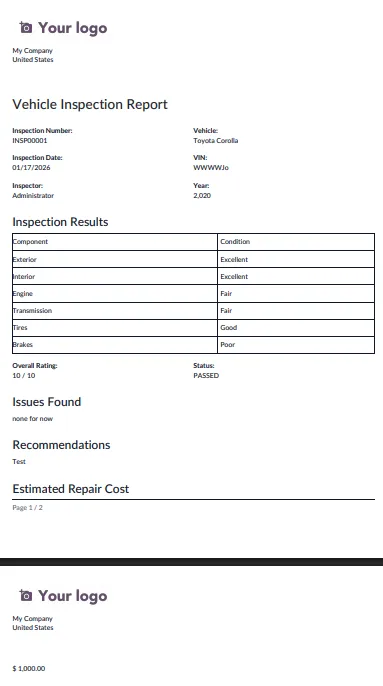
Inspections & Reports
Conduct
comprehensive vehicle inspections with ratings for exterior, interior,
engine, transmission, tires, and brakes. Document issues found, provide
recommendations with cost estimates, upload photos, and generate
professional PDF inspection reports for customers. |