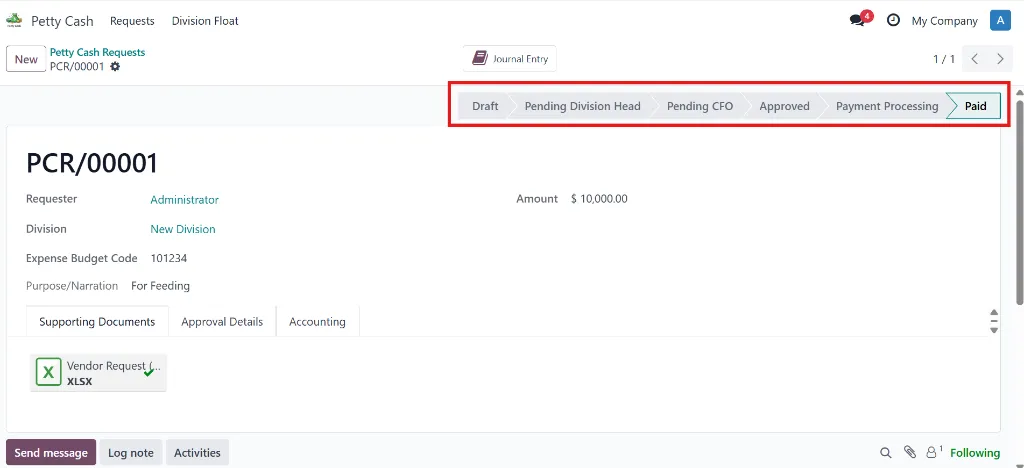
Complete Workflow Process
1
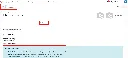
Request Submission
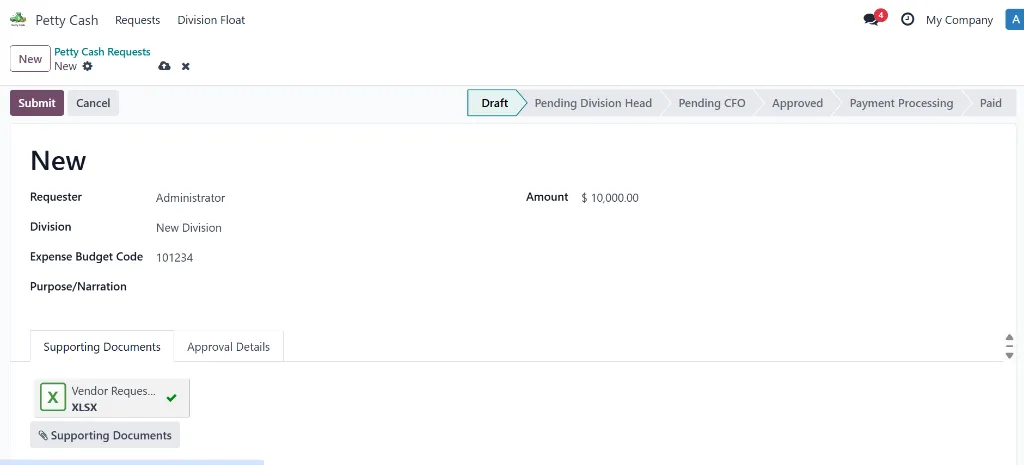
Employees submit petty cash requests through a
simple form in Odoo. The system ensures all necessary information is
captured before submission.
Who: Any employee (Requester role)
Actions:
- Enter amount (maximum 10,000)
- Select division (linked to budget tracking)
- Provide expense budget code
- Write purpose/narration
- Upload supporting documents (receipts, invoices)
- Click "Submit" to route to Division Head
2
Division Head Approval
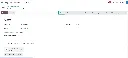
The system automatically routes the request to
the Division Head for first-level approval. Email notifications and
in-app alerts ensure timely review.
Who: Division Head (assigned per division)
Actions:
- Review request details and supporting documents
- Verify budget code and division allocation
- Click "Approve (Division)" to forward to CFO
- OR Click "Reject" with reason (notifies requester)
⏰ Automatic Reminder: If no action is taken within 24 hours, the Division Head receives a reminder email.
3
CFO Final Approval
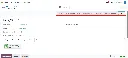
After Division Head approval, the CFO reviews
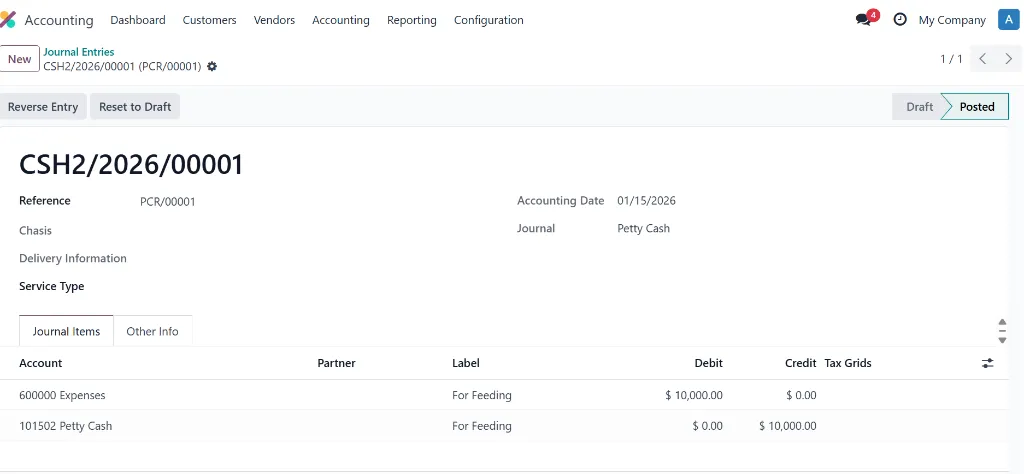
for final authorization. Upon approval, the system automatically creates
accounting entries.
Who: Chief Financial Officer
Actions:
🔄 Automatic Posting: No manual journal entry needed! The system handles all accounting automatically.
4
Payment Processing
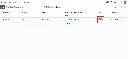
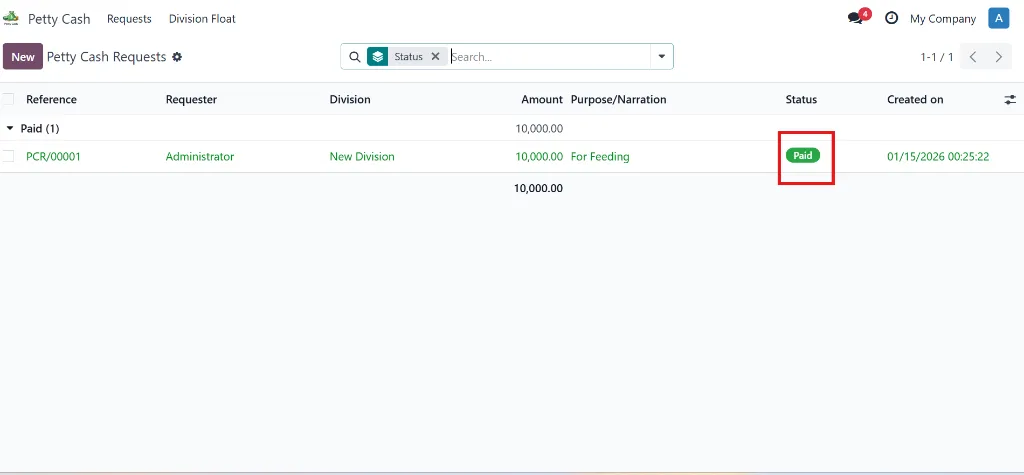
The Treasury or Payable Officer processes the
actual payment to the requester. The system tracks payment status and
updates division float balances.
Who:
- Treasury Officer (for amounts < 10,000)
- Payable Officer (for amounts ≥ 10,000)
Actions:
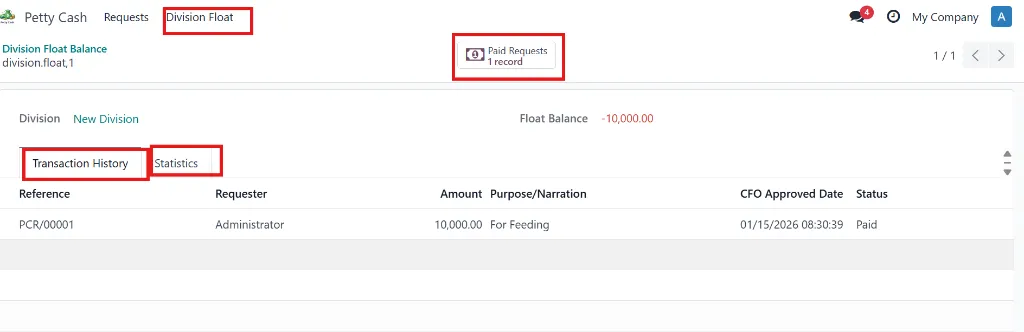
💰 Division Float Tracking: Each payment automatically updates the division's float balance for budget monitoring.